Food delivery platforms keep expanding, and the basics matter when income depends on clear rules. Uber Eats Delivery offers a predictable path: install one app, pass screening, meet vehicle rules, and switch orders on when time allows.
Availability spans large metros and smaller cities, with steady demand peaks around lunch and dinner.
Flexible work draws interest for obvious reasons. A flexible schedule lets drivers choose hours around school, caregiving, or another job. Earnings reflect completed trips, distance, time in some areas, and tips. Policies remain straightforward once the flow is familiar.
How The Driver App Works
Reliable execution starts here because the Driver app controls availability, requests, and payouts. Expect a simple control bar, in-app navigation, and clear pickup and dropoff notes.
Visibility before accepting each order helps decision-making, since upfront pay estimates appear on screen when enabled. Support options are built into the same app, so help remains accessible during active trips.
Log In and Go Online
Open the Driver app, tap to go online, and set delivery preference. Requests appear based on proximity, time of day, and live demand in the area.
Accept and Manage Requests
Review the upfront fare estimate and distance before confirming. Batch offers may chain pickups from the same restaurant; accept when timing and route make sense.
Navigation and Support
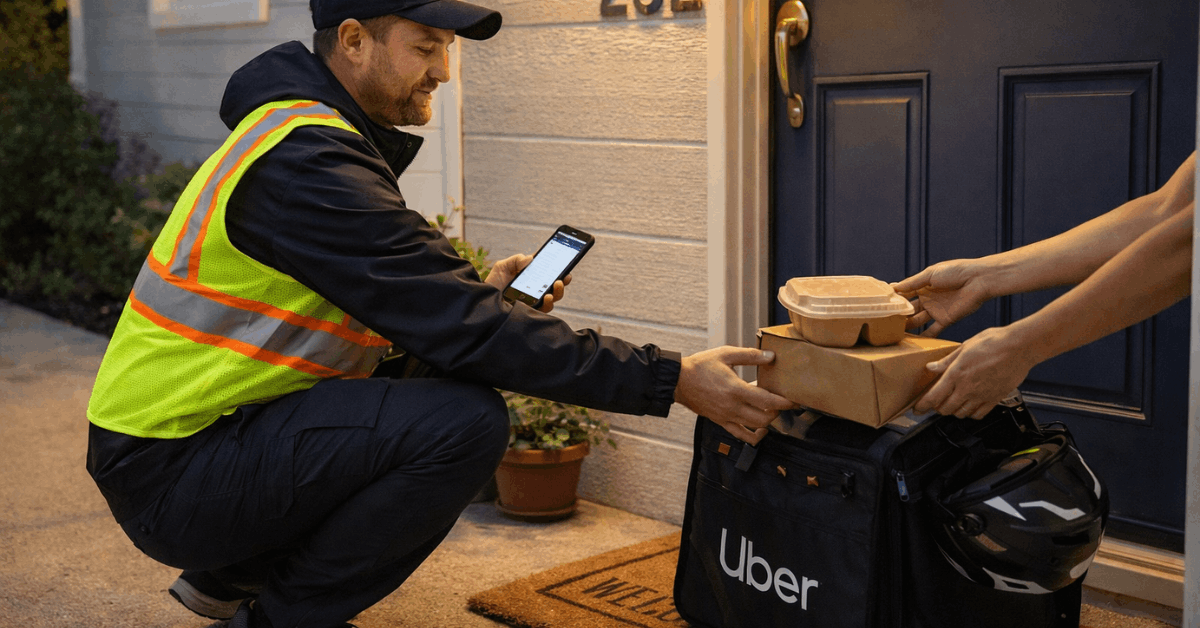
Follow suggested navigation, then verify the order and handoff details. Contact the restaurant or customer through the app if instructions need clarification, and reach Support when an order issue blocks progress.
Track Earnings In Real Time
Trip earnings post after completion. The app ledger shows per-trip amounts, adjustments, and tips as they arrive, which keeps the daily picture clear.
Earnings, Payouts, and Tips
A clear pay structure builds confidence, especially during the first week. Trip earnings typically combine pickup and dropoff amounts, a per-mile rate, and in some cities a per-minute component.
Tips elevate hourly results and encourage excellent service on every handoff. Transparent history in the app allows quick comparisons across shifts.
Instant Pay Options
Weekly deposits land automatically to the linked bank account. Instant Pay provides faster access, allowing multiple same-day cash-outs subject to local limits and small fees where applicable. Fast payouts help cover fuel and data costs without waiting for a weekly cycle.
Trip Rates and Adjustments
Per-order estimates appear before acceptance in supported markets. Surge or busy-area incentives may raise pay during peak windows. Cancellations follow platform rules, so read local terms to understand compensated scenarios.
Tips and Service Quality
Customers can tip in-app, and 100 percent of tips go to the courier. Courteous communication, accurate drop-off notes, and quick problem resolution usually translate into stronger tip patterns.
Driver Eligibility Rules By Vehicle Type
Eligibility depends on vehicle eligibility, age, and identification. Rules vary a bit across countries and cities, yet the overall structure remains consistent.
Expect a background screening after sign-up, document checks, and verification that the chosen vehicle matches the selected delivery mode. Meeting all delivery requirements upfront prevents activation delays.
Car Delivery
Typical car delivery requires being at least 19 years old in the United States, a valid driver’s license, and an eligible 2-door or 4-door vehicle. Mexico commonly sets the minimum at 18, a license, government ID, and valid registration. Insurance proof may be required according to local law.
Scooter Or Motorcycle Delivery
Motorized scooters in several U.S. markets require riders to be at least 19 and to use scooters under specified engine sizes. Mexico accepts motorcycles starting at 18, paired with a license, ID, and registration. Local rules establish additional equipment standards where applicable.
Bicycle Or Foot Delivery
Bicycle or foot delivery commonly starts at 18 with a government-issued ID. Some cities allow on-foot service in dense cores; many prefer bicycles due to coverage and time-to-door. Pick the mode that matches neighborhood layout and trip distance patterns.
At-A-Glance Eligibility By Region:
| Region | Vehicle Type | Minimum Age | Key Documents |
| United States | Car; scooter (select cities); bicycle/foot (where available) | 18–19 depending on mode | Driver’s license; government ID; background screening |
| Mexico | Car; motorcycle; bicycle | 18 | Government ID; driver’s license; vehicle registration |
| South Africa | Car; motorbike | 18 | Government ID; driver’s license; vehicle documents; background screening |
Local variations apply. Always confirm the latest delivery requirements inside the Driver app during sign-up.
Registration and Required Documents
A smooth start follows a clear checklist. The registration sequence captures identity, city, vehicle, and safety steps. Finishing those tasks early prevents back-and-forth later, especially when onboarding queues get busy. Keep scanned copies and photos of required documents ready for fast uploads.
Create Account and Select City
Download the Uber Driver app from the App Store or Google Play. Create an account, then choose the operating city. Coverage spans major U.S. metros such as Austin, Boston, Chicago, Houston, Los Angeles, Miami, New York City, San Francisco, and Seattle. Mexico coverage includes Guadalajara, Mexico City, Monterrey, Querétaro, and Tijuana.
Upload Core Documents
Provide a government-issued ID, license, and vehicle registration where required. Ensure names match identification documents exactly to avoid repeat submissions.
Complete Safety Checks
Consent to background screening according to local law and Uber policy. Screening verifies identity and checks records as defined for the market.
Activation Timing and Demand
Profile review finishes once the documents and screening are clear. Activation can depend on live demand in the area, so occasional delays appear during lower-demand periods. Keeping contact details current helps when the team opens additional onboarding slots.
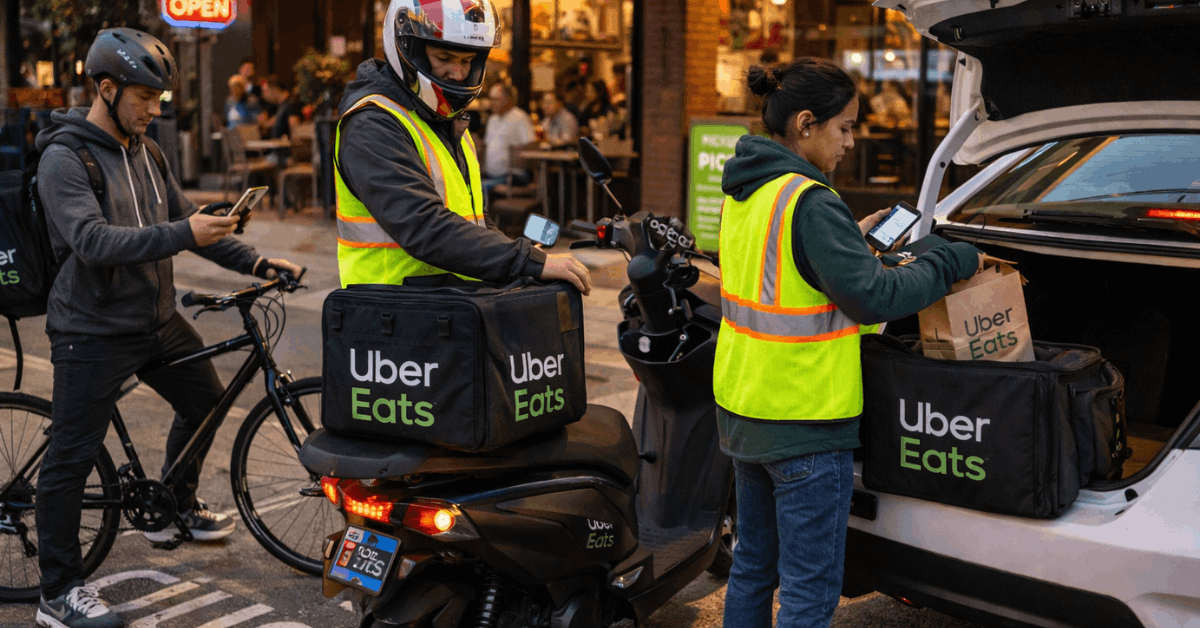
Get An Insulated Delivery Bag
An insulated delivery bag protects food temperature and presentation. The platform typically shares a purchase link after account readiness. Wait for the instruction before ordering to avoid premature purchases.
South Africa Registration Snapshot
South Africa uses the same core flow, plus a city selector and document checks that align with local regulations.
City selection includes Bloemfontein, Cape Town, Durban, East London, Emalahleni, George, Grahamstown, Hermanus, Johannesburg, Pretoria, and Kimberly.
Additional coverage stretches to Ladysmith (Phuthaditjhaba), Margate, Mbombela, Nelspruit, Newcastle, Pietermaritzburg, Polokwane, Port Elizabeth (Gqeberha), Potchefstroom, Richards Bay, Rustenburg, and Secunda.
- Download the Uber Driver app, register, and select the operating city.
- Choose vehicle type (motorbike or car) and upload identity plus license details.
- Add vehicle documents, then book and complete the safety background screening.
- Monitor the app for activation; demand windows can delay go-live during slower periods.
- Purchase the platform-approved delivery bag after receiving the official prompt.
Practical Tips For First Deliveries
Set a small target for the first session and focus on smooth execution over raw earnings. Park legally, confirm names on every pickup, and scan handoff notes before leaving the restaurant. Keep spare utensils and napkins in the glove box or backpack to handle add-on requests without returning. Mark is building entrances in the app notes after tricky drop-offs to speed future trips.
Hydration and quick stretch breaks reduce fatigue, and a compact phone mount prevents fumbles at corners. A portable battery keeps navigation alive without draining the vehicle’s port. Accuracy beats speed when ratings are new, since early cancellations and returns can slow future offers.
Clear communication helps tips. Send a simple update if a restaurant shows a long queue and offer a quick ETA. Confirm drop-off preferences in short phrases, especially during late hours or apartment deliveries. Professional tone and careful packaging encourage positive reviews.
Common Policies and Support
Platform accounts remain personal and cannot be shared. Proxy operation violates core terms and creates risk when orders require identity confirmation. Keep the app updated, since new versions often improve stability around maps, earnings display, or photo verification.
Support paths stay visible during every trip. Reach the in-app help flow for handoff issues, missing items, or incorrect address pins.
Upgrade documents ahead of expiry to prevent pauses in availability. Local road rules still apply at all times, and market-specific safety standards govern helmets, visibility gear, and food safety practices where required.
Last Thoughts
Treat Uber Eats Delivery as a rules-based workflow: meet requirements, plan shifts, and execute cleanly. Stable habits around documentation, communication, and safe driving protect ratings and earnings.
Track peaks, watch upfront estimates, and use instant payouts strategically to manage costs. Keep improving small fundamentals each week to convert flexible hours into a reliable income.